
Your diamonds don't sparkle
in a photograph.
They sparkle in a film.
Brilliance only exists in movement — a still frame cannot show it. Upload one photo of your piece, tap a look, and download a cinematic commercial in about two minutes. No prompts. No editing. Nothing to learn.
No card to start · Your first studio photo is free · 3 films for $49, about $16 each
- Ready in about 2 minutes
- Shot from one phone photo
- Your designs never train AI
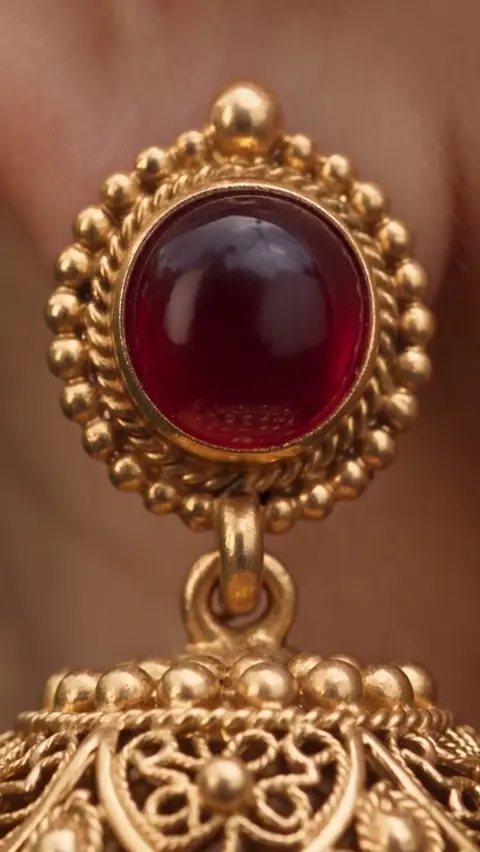
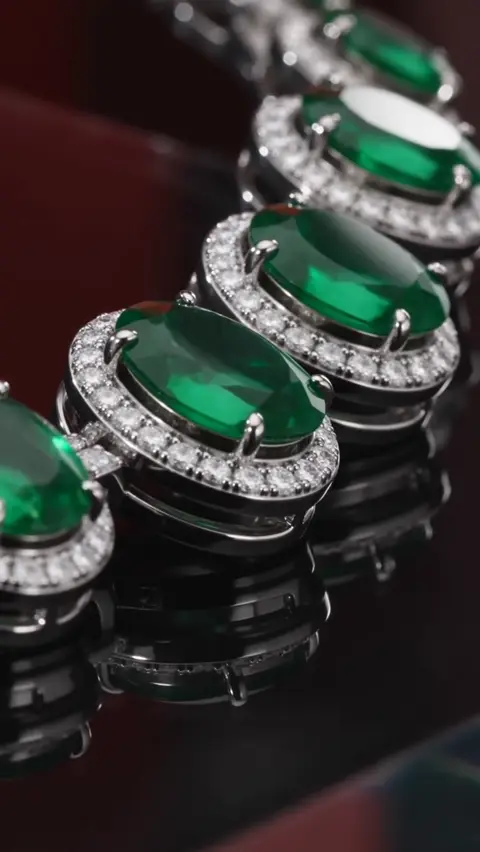
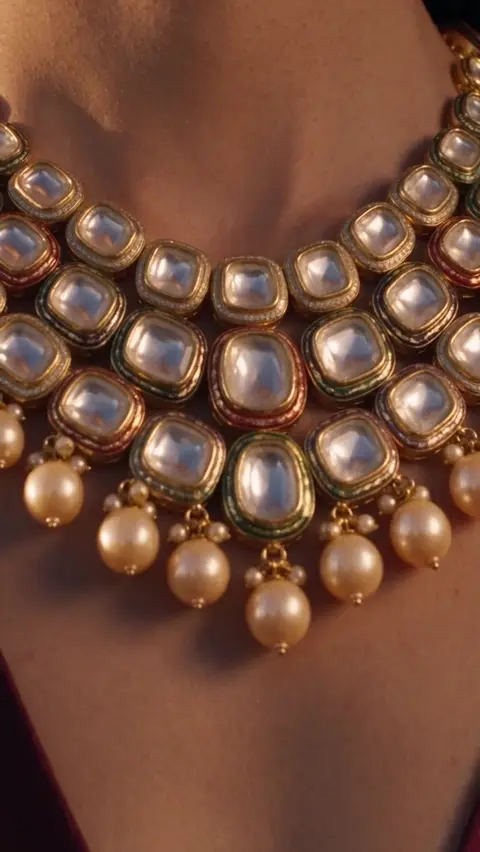
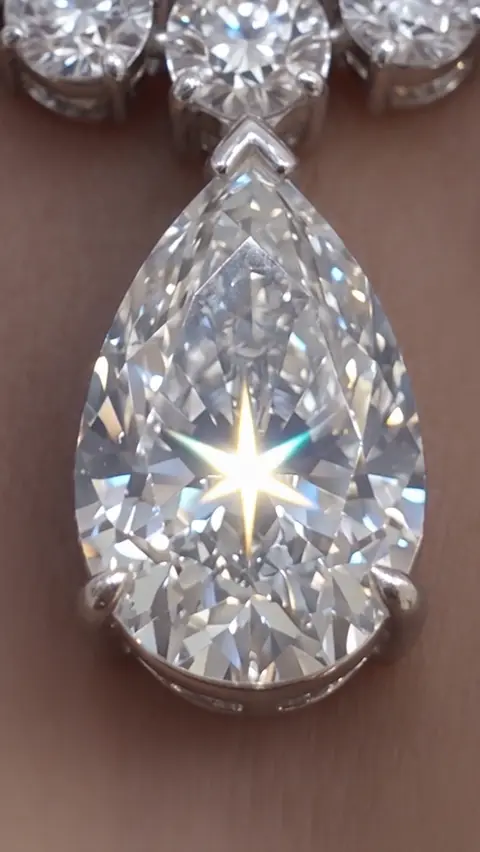
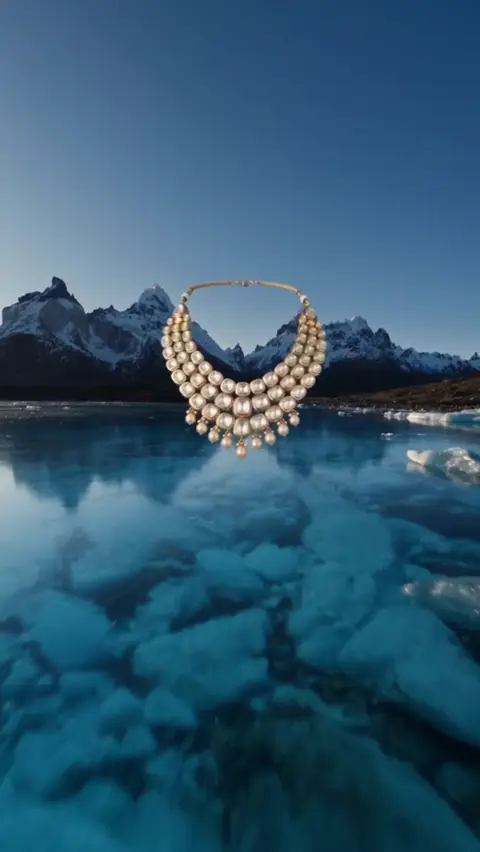
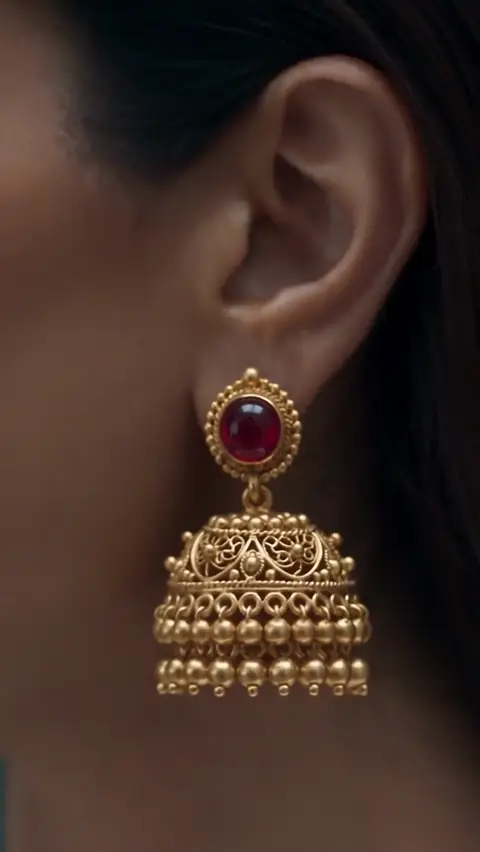
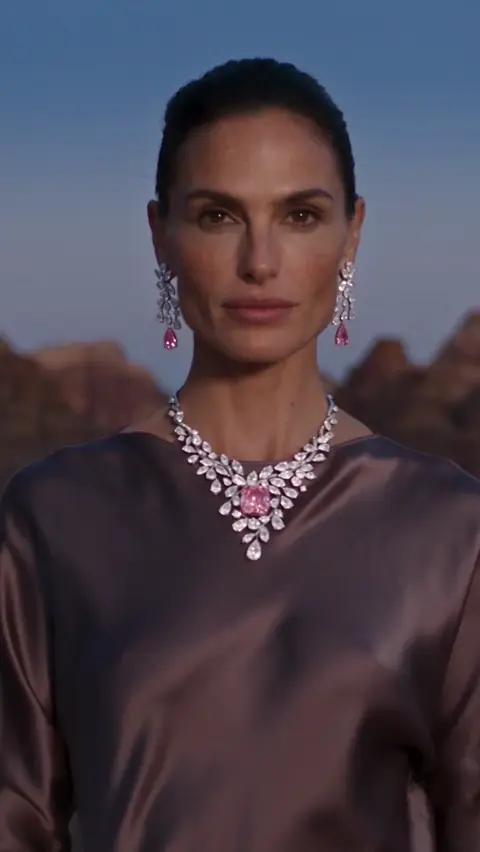
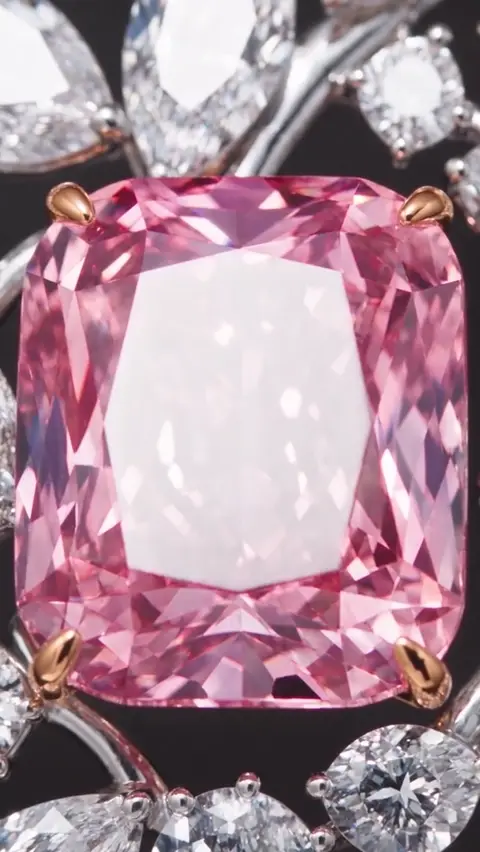
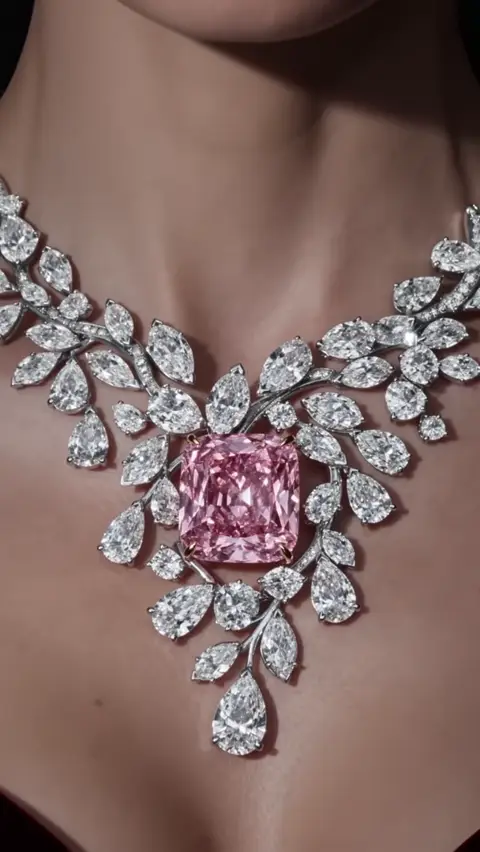
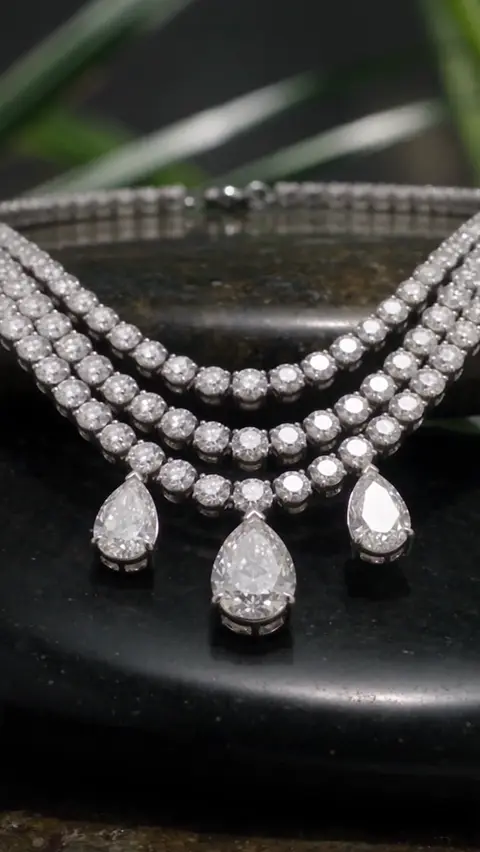
Every film above was made from one still photograph
You never have to learn AI. We already did.
Nothing to write
Other tools ask you to describe a scene in paragraphs and then punish you when the wording is wrong. Our directors already wrote the instructions.
Nothing to adjust
No sliders, no seeds, no model names, no settings panel. One screen, one button, one film.
Nothing to learn
There is no course, no tutorial and no onboarding call. Your first film takes about the same effort as sending an email.
One photo in. A finished film out.
Thirty-four seconds, start to finish — the real studio, the real controls, and the films they produce.
Three steps. That is the whole thing.
If you can send a photo on WhatsApp, you already know how to use Cinroom.
Upload a photo
One clear picture of your piece is enough. A phone photo works. Add two or three angles and the film gets even better.
No studio. No 3D file. No CAD.
Choose the look
Product close-up, fashion campaign, outdoor epic — tap the one you like. There is nothing to write and nothing to adjust.
Five styles, one tap.
Download and post
Your film is ready in about two minutes, sized for Reels, TikTok, YouTube and your website. Post it exactly as it comes.
No editing software needed.
Built by people who light jewelry for a living.
Our production team comes out of feature-film visual effects and luxury commercial work. Between them their credits include work on productions such as Spider-Man, Marvel and DC titles, and House of the Dragon — and years of campaign work for jewelry and watch houses. That experience is what is encoded in every style you can tap.
Gemstones behave like gemstones
Refraction, dispersion and the way a brilliant cut throws light are simulated, not approximated. A diamond reads as a diamond when a customer pauses on the frame.
Metal reads as metal
Polished gold, brushed platinum and oxidised silver each carry their own reflection model, so the surface of your piece survives the render.
Shots are directed, not sampled
Every style is a fixed set of camera moves, lens choices and lighting states written by working commercial directors — the reason two films in the same style look like a campaign.
You are not buying “AI content.” You are buying commercial production — rendered by machine, directed by people.
Production titles above refer to prior credits of individual team members. Cinroom is not affiliated with, endorsed by or sponsored by those productions, their studios or their rights holders.
Pick a look. We direct the rest.
Five ready-made styles, each one a complete set of camera moves, lighting and grading. You choose the mood — there is nothing to configure.
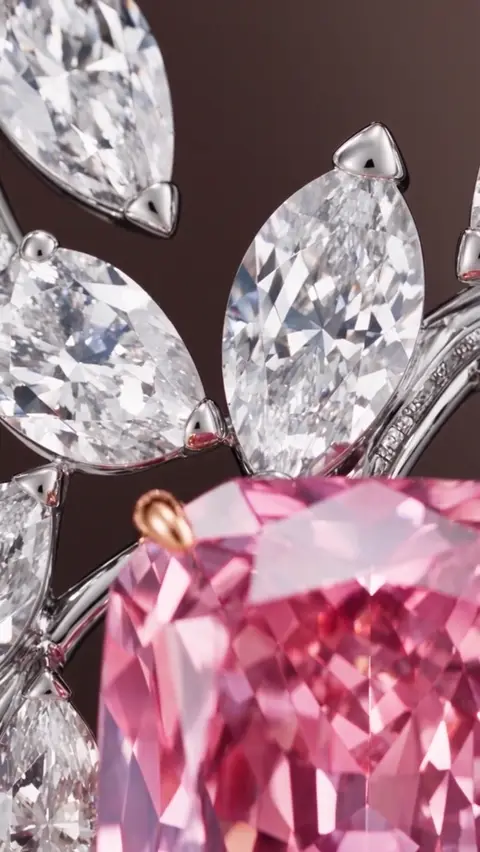
Product Hero
Studio light, caustics and real gemstone refraction.
Use this style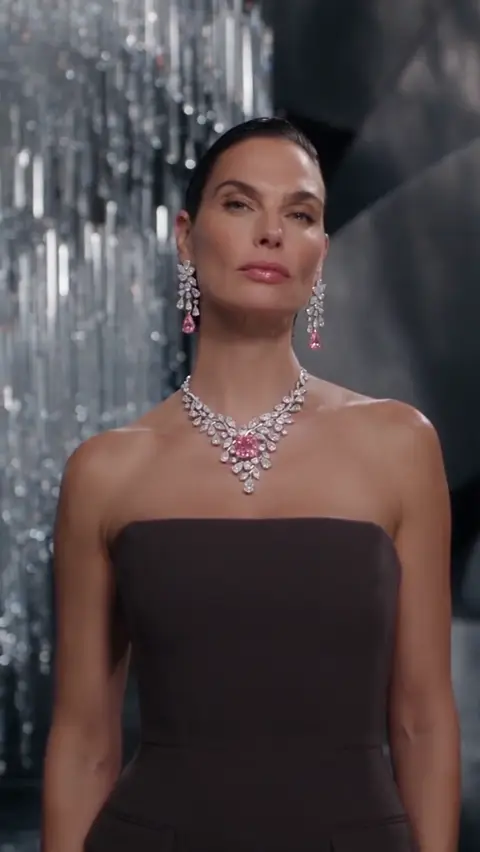
Luxury Fashion Campaign
Editorial portrait campaign, styled and lit like Vogue.
Use this style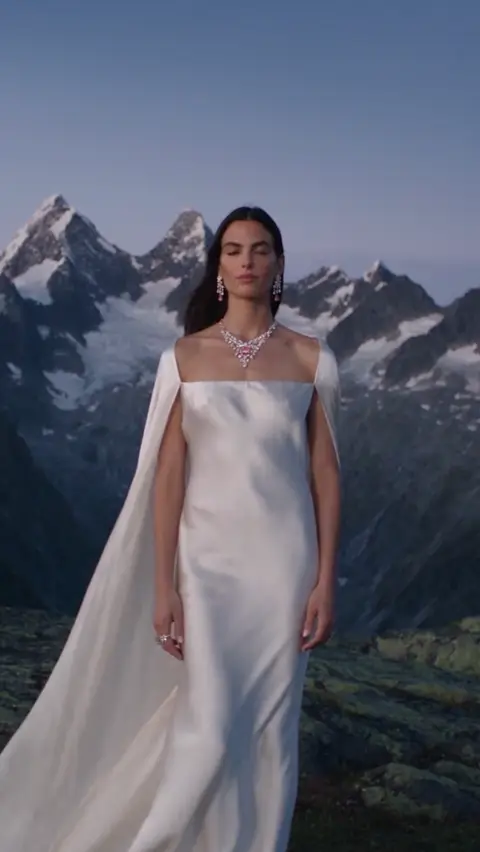
Outdoor Epic Environment Campaign
Your piece on location — desert, snow, cliffside.
Use this style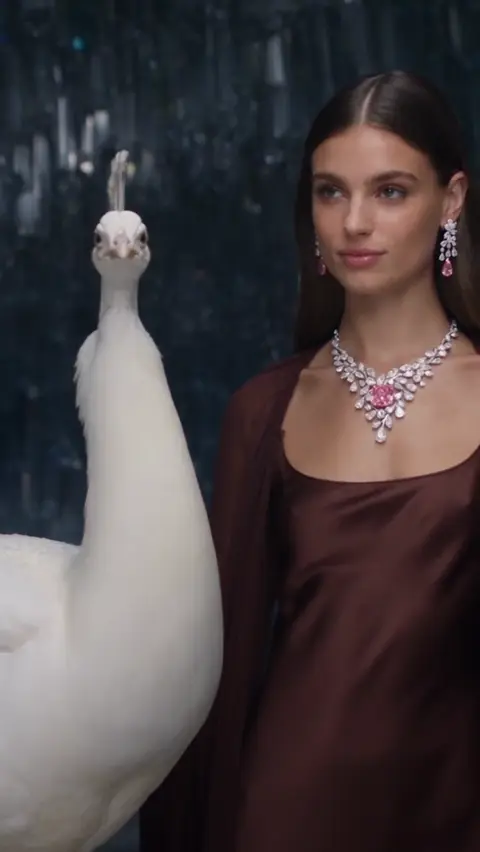
Animal Campaign
Heritage storytelling with a cinematic lead.
Use this style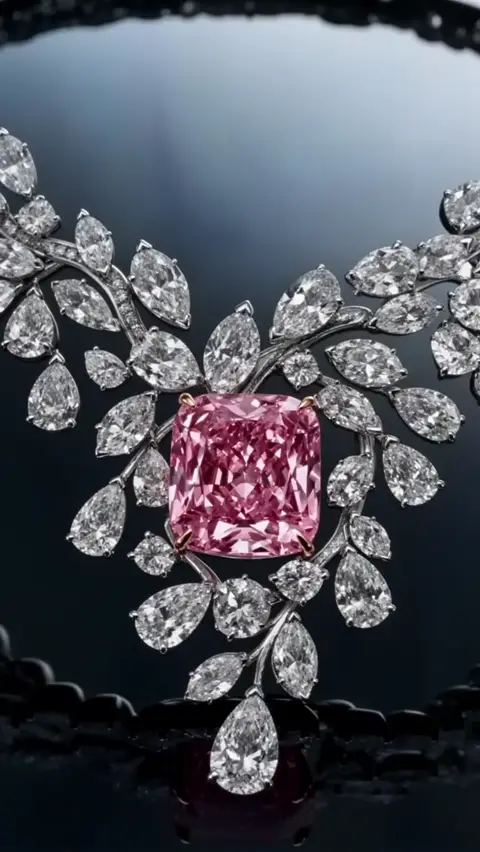
AI Director
Describe any idea; the director builds the scene.
Use this styleEvery film on this page began as one still photograph of a real piece.
Built for one thing: jewelry.
General-purpose video tools flatten metal and lose the fire in a stone. Everything here was tuned on fine jewelry, and nothing else.
Diamonds that actually sparkle
Light bends through the stone the way it does in a real setting, so brilliance survives the render instead of smearing into glare.
A phone photo is enough
No professional camera, no lightbox, no 3D file and no CAD model. Shoot the piece on your counter and upload it.
More angles, better film
Send two to five views of the same piece and every one of them feeds the render, so the shape stays true from all sides.
Every platform, every size
9:16 for Reels and TikTok, 1:1 for the feed, 16:9 for YouTube and your website. One render, all the crops.
Unreleased designs stay yours
We don't publish your uploads or your finished films, and we never sell them. You decide when a collection goes public.
Done in about two minutes
Not a three-week production schedule and not a day of back-and-forth. Post it before your chai gets cold.
One film costs less than a single reshoot.
A traditional jewelry shoot runs into weeks and lakhs. These plans price the same output per piece, per month, with full commercial rights on every plan.
Try it first — your first studio photo is free, no card needed. Films start with Starter.
STARTER
For trying it on a few real pieces before you commit to anything monthly.
What you can make
3 films total
or 35 editorial photos — or any mix of both
- 7 credits — about 3 films, or 35 photos
- Run them as ads anywhere you sell
- One payment, no subscription, credits don't expire
- Every render saved to your library
- Buy more credits whenever you need them
What’s included+
- 7 credits — about 3 films, or 35 photos
- Run them as ads anywhere you sell
- One payment, no subscription, credits don't expire
- Every render saved to your library
- Buy more credits whenever you need them
One-time payment · credits never expire
GROWTH
For a brand posting new pieces every week and running them as ads.
What you can make
9 films a month
or 90 editorial photos — or any mix of both
- 18 credits a month — about 9 films, or 90 photos
- Unused credits roll over while you stay subscribed
- Works out cheaper per film than Starter
- Run them as ads anywhere you sell
- Every render saved to your library
- Top up any time without changing your plan
- Cancel any time, keep access to the end of the period
What’s included+
- 18 credits a month — about 9 films, or 90 photos
- Unused credits roll over while you stay subscribed
- Works out cheaper per film than Starter
- Run them as ads anywhere you sell
- Every render saved to your library
- Top up any time without changing your plan
- Cancel any time, keep access to the end of the period
Cancel anytime · unused credits roll over
BUSINESS
For agencies and houses shooting several collections, or several brands, at once.
What you can make
24 films a month
or 240 editorial photos — or any mix of both
- 48 credits a month — about 24 films, or 240 photos
- Unused credits roll over while you stay subscribed
- Our lowest cost per film
- Run them as ads anywhere you sell
- Every render saved to your library
- Top up any time without changing your plan
- Cancel any time, keep access to the end of the period
What’s included+
- 48 credits a month — about 24 films, or 240 photos
- Unused credits roll over while you stay subscribed
- Our lowest cost per film
- Run them as ads anywhere you sell
- Every render saved to your library
- Top up any time without changing your plan
- Cancel any time, keep access to the end of the period
Cancel anytime · unused credits roll over
10-second film = 2 credits · 15-second film = 3 credits · studio photo = 0.2 credits
One allowance, spent however that month goes — all films, all photos, or any mix of the two.
Enterprise
For agencies, manufacturers and high-volume jewelry brands requiring custom GPU capacity and SLA.
Everything you are probably wondering.
Do I need to know anything about AI?
No. Upload a photo, tap a style, press generate. There is no prompt to write, no setting to choose and nothing to configure. If you can attach a photo to a message, you can do this.
What kind of photo do I need to send?
Any clear photo of the piece. A phone camera on a plain surface in daylight is plenty. Sending two or three angles of the same piece gives the best result, but one is enough to start.
Will my diamonds look real?
Yes. Light is refracted through the stone rather than painted on, so brilliance and fire hold up when someone stops scrolling and looks closely — which is the whole point.
Is my unreleased collection safe here?
We don't publish your uploads or your films and we never sell them — you decide when a collection goes public. To make your film we do send your images to our AI rendering partners; the Privacy Policy names every one of them and what they receive.
How long does one film take?
About two minutes from upload to download for a finished film.
Can I use these films in paid advertising?
Yes. Every paid plan includes full commercial usage rights, so you can run the films as ads, on your website, in store and anywhere else you sell.
What if I do not like the result?
Generate again with a different style. Most brands try two or three looks on a new piece before settling on the one that matches their catalogue.
How does the pricing actually work?
Each plan gives you a number of films per month — nine on Growth, twenty-four on Business. Behind the scenes those are counted in credits: a 10-second film costs 2, a 15-second film costs 3 and a studio photo costs 0.2, so you can spend the same allowance on whichever mix you need.
Can I cancel, and do unused films carry over?
You can cancel at any time from your dashboard and you keep access until the end of the billing period. Unused subscription credits roll over month to month while your plan stays active, and one-time credit packs never expire.
Who actually makes the styles?
Working commercial directors and visual-effects artists with feature-film and luxury-campaign backgrounds. Each style is their direction written down, which is why the results stay consistent between pieces.